How to Create an Accordion – No JavaScript
-2 min read
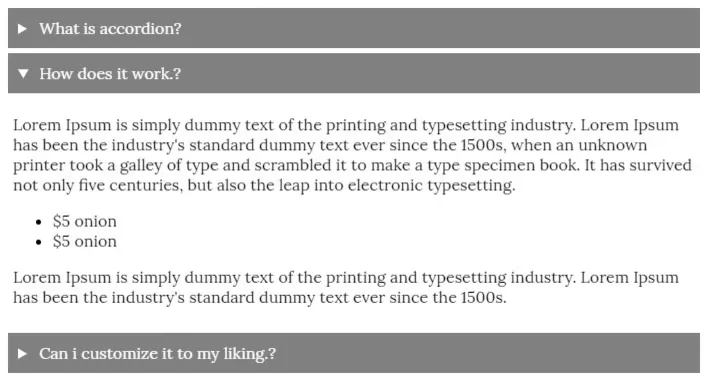
An accordion is a common UI element, often used for FAQ sections on websites. Typically, JavaScript is used to control the functionality, but did you know that HTML provides built-in tags to create an accordion without JavaScript?
Using <details> and <summary>
HTML offers semantic tags like <details> and <summary> that allow you to create an accordion with minimal effort. Most developers rely on <div> elements and JavaScript for such components, but these tags provide a built-in alternative.
Basic Example
html<details> <summary>This is the accordion title</summary> This is the accordion body. </details>
Explanation:
- The
<details>tag acts as the accordion container. - The
<summary>tag serves as the title, which is visible by default. - The content inside
<details>remains hidden until the user clicks the summary.
Improved Version with CSS
To enhance readability and style, you can add custom classes:
html<details class="accordion"> <summary class="accordion-header">How does it work?</summary> <div class="accordion-body">This is the accordion body.</div> </details>
css.accordion { margin-bottom: 5px; } .accordion-header { background-color: gray; padding: 10px; color: white; cursor: pointer; } .accordion-body { padding: 5px; }
This simple approach ensures a functional, lightweight accordion without JavaScript.
You can check out a working demo on my CodePen.
Let me know if you have any questions! 😊